

Konn3kt
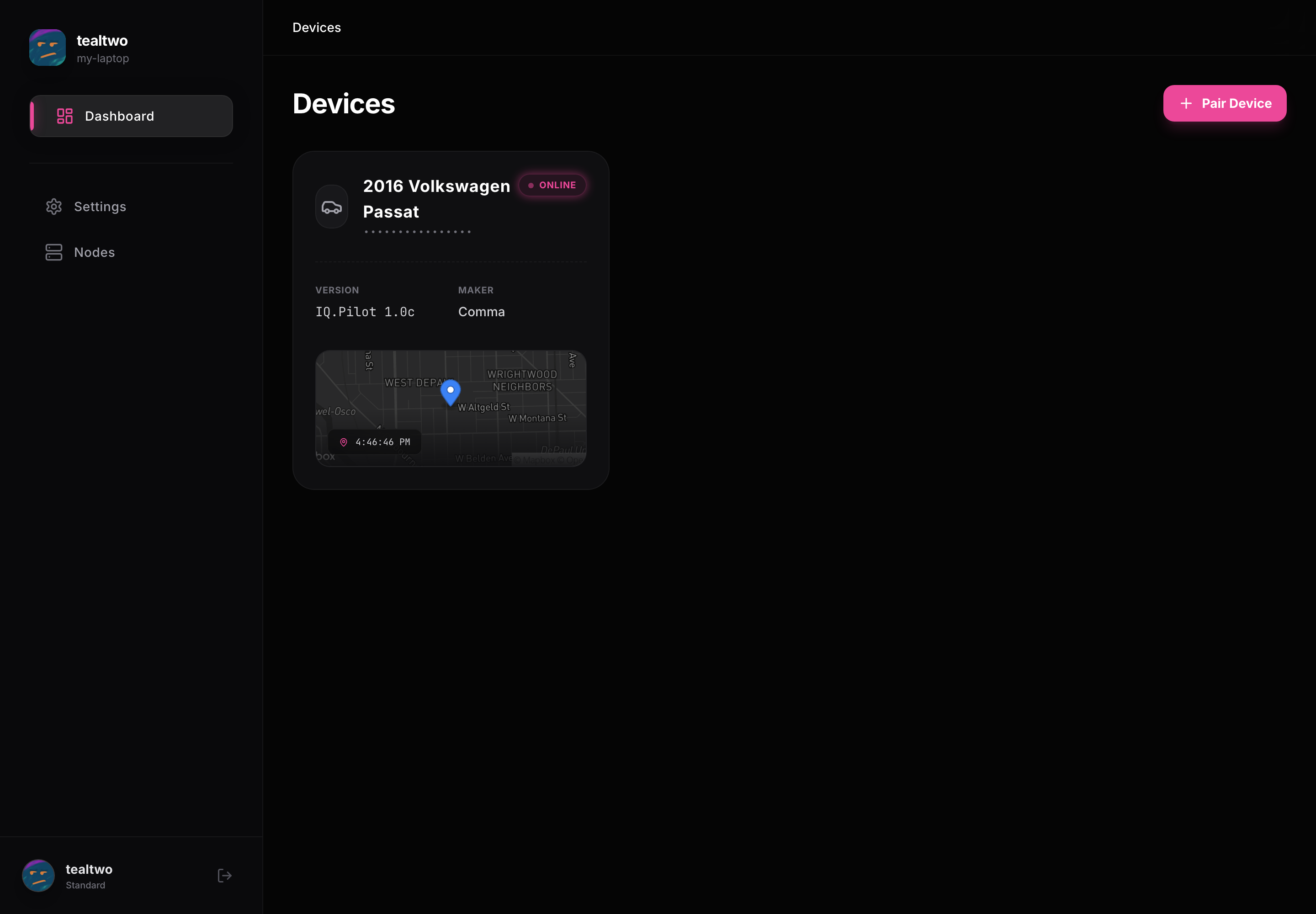
Konn3kt is the app for your iQ.Pilot devices. It runs in your browser at app.konn3kt.com and on your phone. It does everything the on-device screens do and more: review every drive, watch your footage, send your car commands, change settings, and keep your data backed up, all over a secure, encrypted connection.
Signing in
Section titled “Signing in”Sign in with GitHub, Google, or Apple. Your account holds every device you pair, so you sign in once and see all your cars in one place. You can link more than one provider later under Settings.
Pairing a device
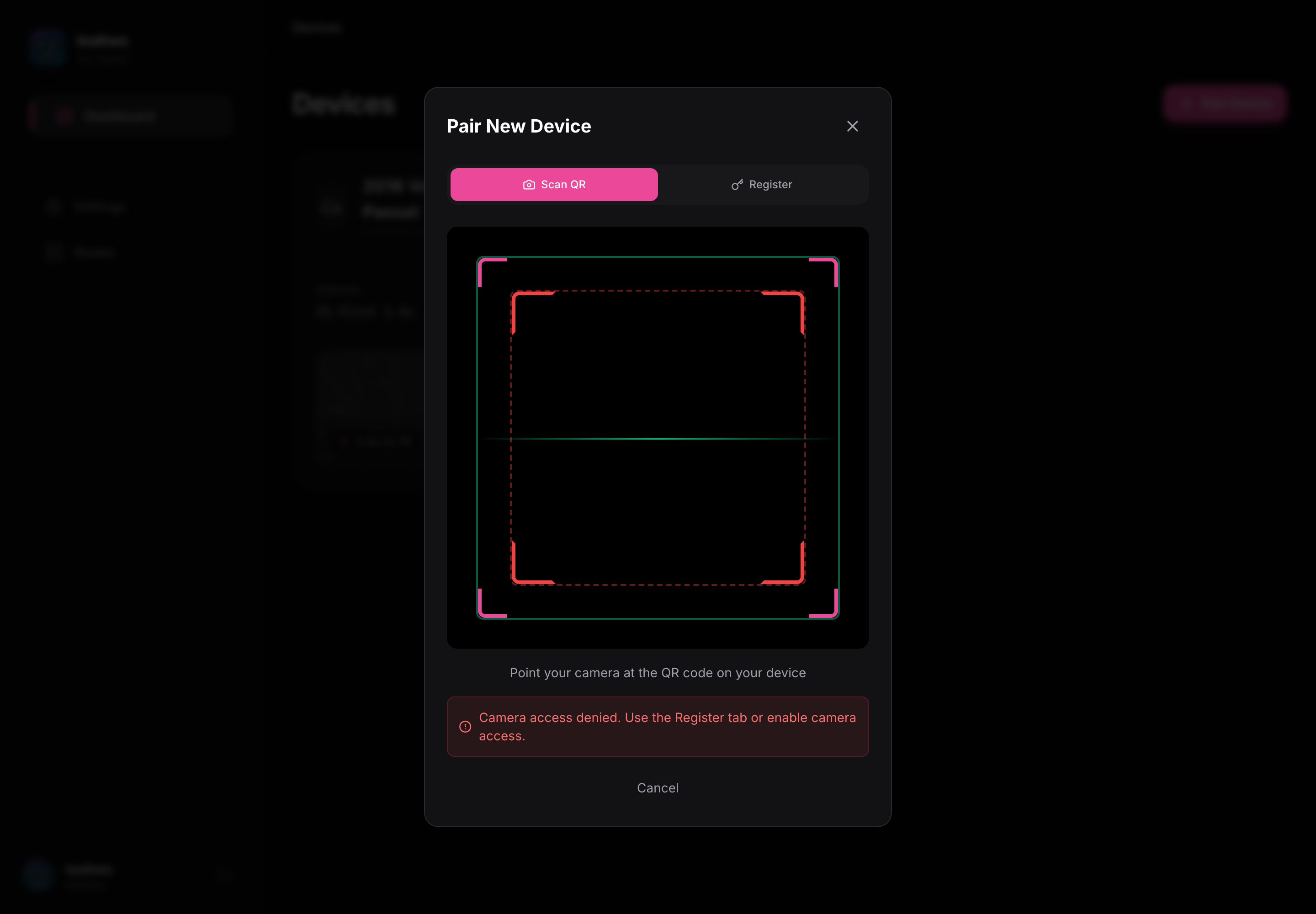
Section titled “Pairing a device”New devices show up after you pair them. On the device open the pairing screen, then in Konn3kt tap Pair Device and scan the QR code or enter it by hand.
What’s in these docs
Section titled “What’s in these docs”The chapters follow the app: the dashboard, each tab inside a device, and the full settings page. Every screen has a screenshot, and where a Konn3kt setting changes something on the device, it says so.