

Files
The Files tab is the raw data behind your drives: the logs and camera footage each drive produced, plus device files like boot logs and firmware.
Browsing
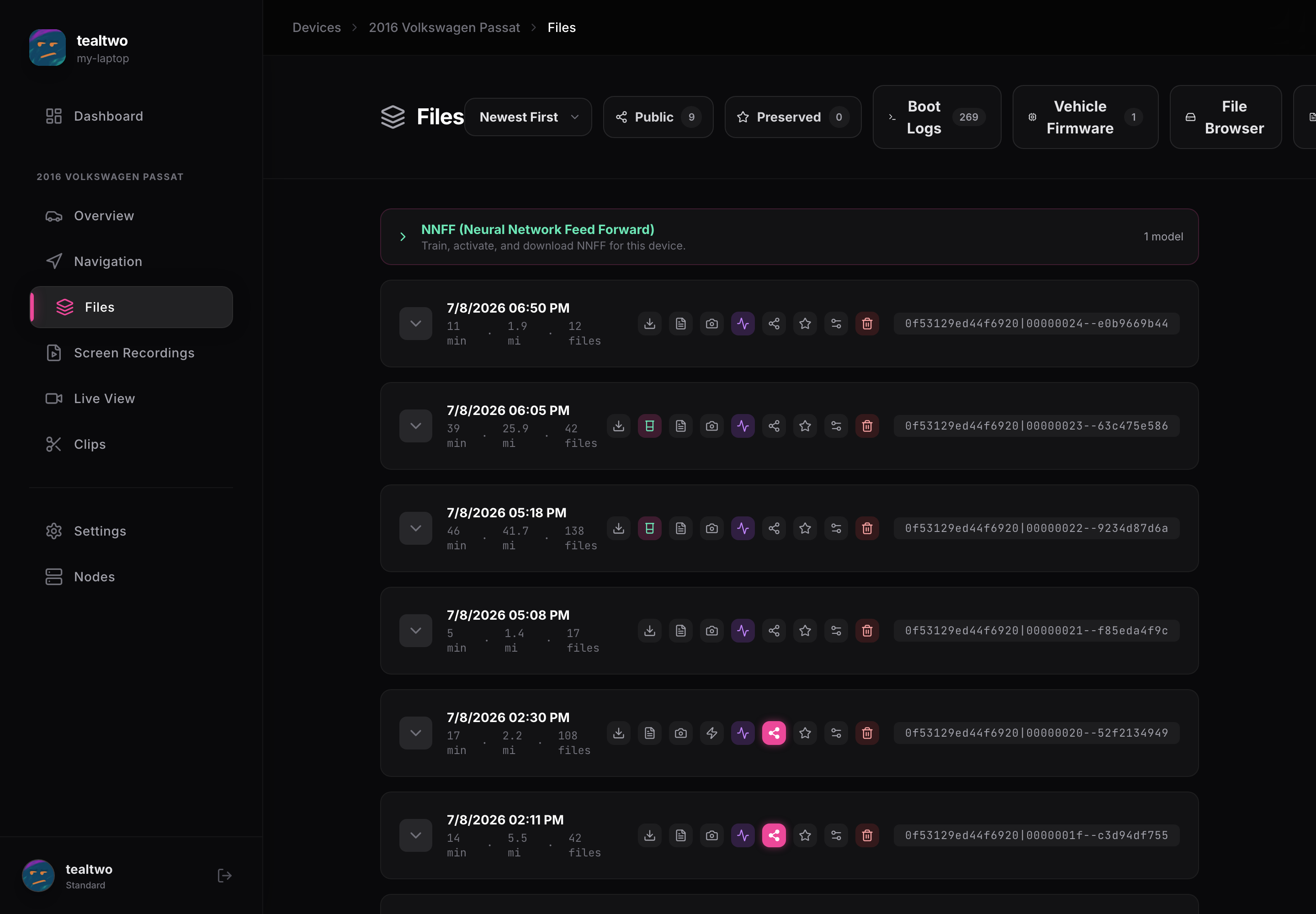
Section titled “Browsing”Each drive is a row you can expand to see its segments. For every segment you can download the logs and the camera videos, share them, preserve them, or delete them. The size and length are shown so you know what you are grabbing.
The filters up top narrow the list: sort order, Public, Preserved, Boot Logs, Vehicle Firmware, and a full File Browser for everything on the device. Models you have downloaded, like NNFF, also show here.