

Dashcam
Open this from Settings → System → Dashcam. It controls whether the device saves footage while you drive, which you can later watch in Screen Recordings and turn into Clips.
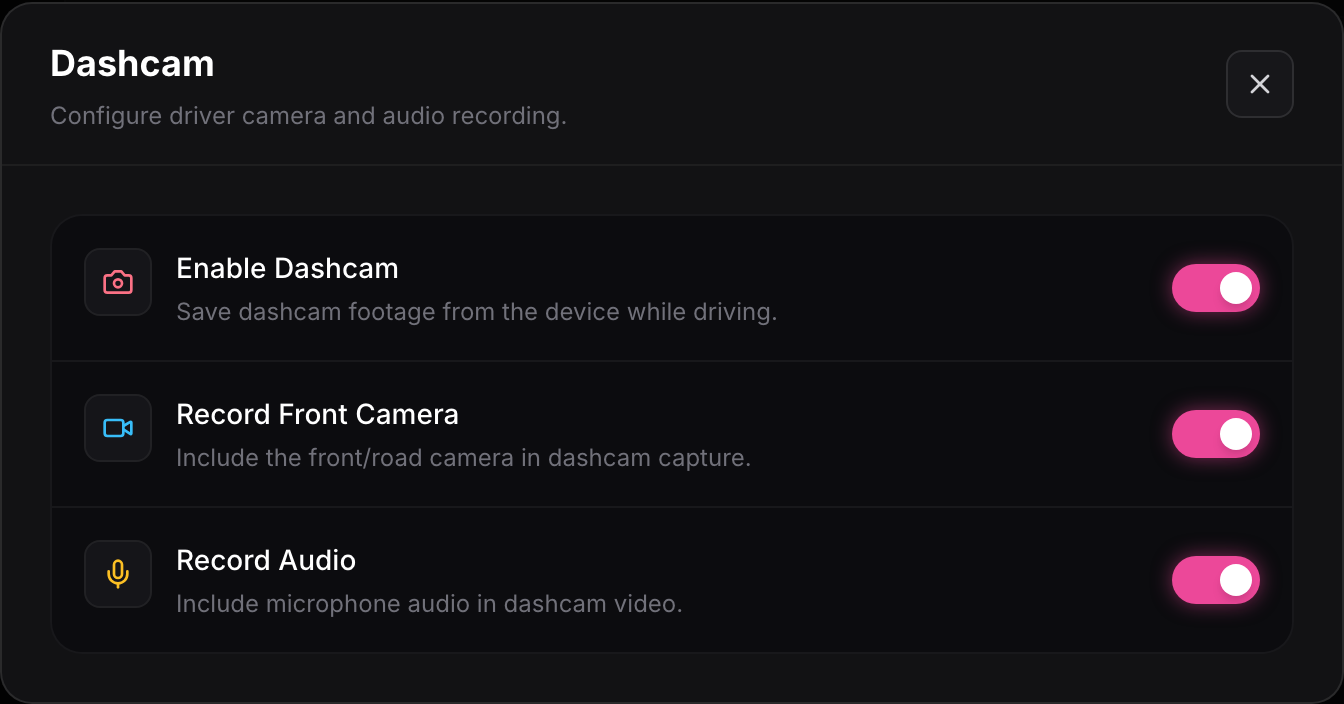
- Enable Dashcam turns dashcam recording on so the device saves footage while driving. With it off, drives are logged but no video is kept.
- Record Front Camera includes the front and road camera in the saved footage. This is the view most people want.
- Record Audio includes microphone audio in the dashcam video. Turn it off if you would rather not capture sound inside the car.