

Network
Open this from Settings → System → Network. It manages the device’s Wi-Fi, cellular, hotspot, and eSIM, all remotely, with the same controls you would have on the device itself.
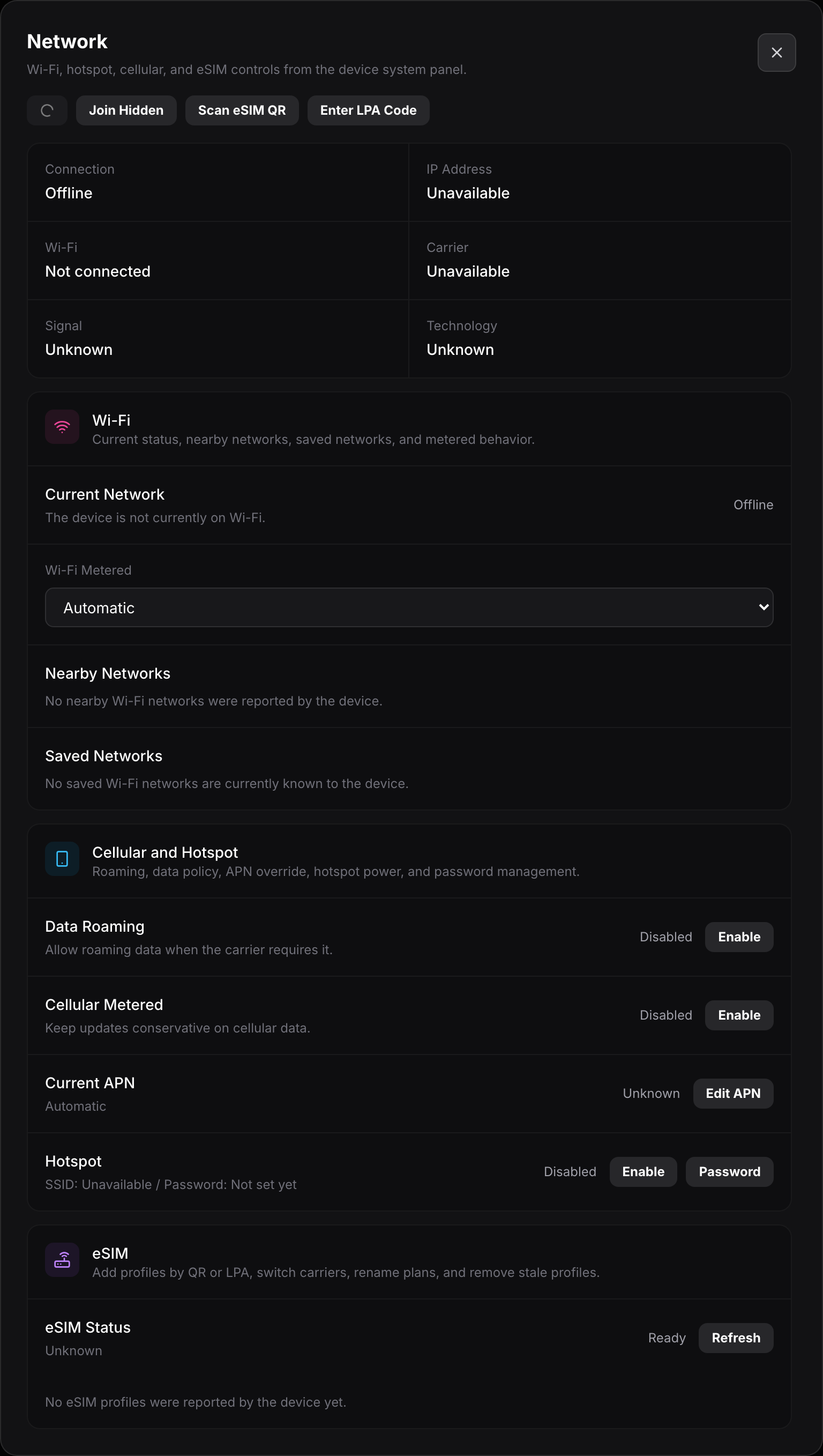
Status
Section titled “Status”The grid at the top is read-only live status:
- Connection shows whether the device is online or offline.
- IP Address is the device’s current address, or Unavailable when offline.
- Wi-Fi shows the connected network or Not connected.
- Carrier shows the cellular carrier when a SIM or eSIM is active.
- Signal and Technology show cellular strength and the network type.
The refresh and add buttons next to the status let you pull fresh status, Join Hidden a network by name, Scan eSIM QR, or Enter LPA Code to add an eSIM profile manually.
- Current Network shows what the device is on right now.
- Wi-Fi Metered tells the device whether to treat the connection as metered. Automatic lets it decide, or you can force metered or unmetered to control background uploads.
- Nearby Networks lists Wi-Fi the device can currently see, so you can join one.
- Saved Networks lists networks the device already knows and will reconnect to.
Cellular and Hotspot
Section titled “Cellular and Hotspot”Below Wi-Fi, this section controls the device’s modem and its hotspot: turning cellular data on or off, and sharing the connection as a hotspot when supported.