
Vehicle
Your car’s fingerprint and any options specific to your brand. iQ.Pilot usually detects your car automatically. The brand specific toggles below only appear when a matching car is selected.
Vehicle (fingerprint)
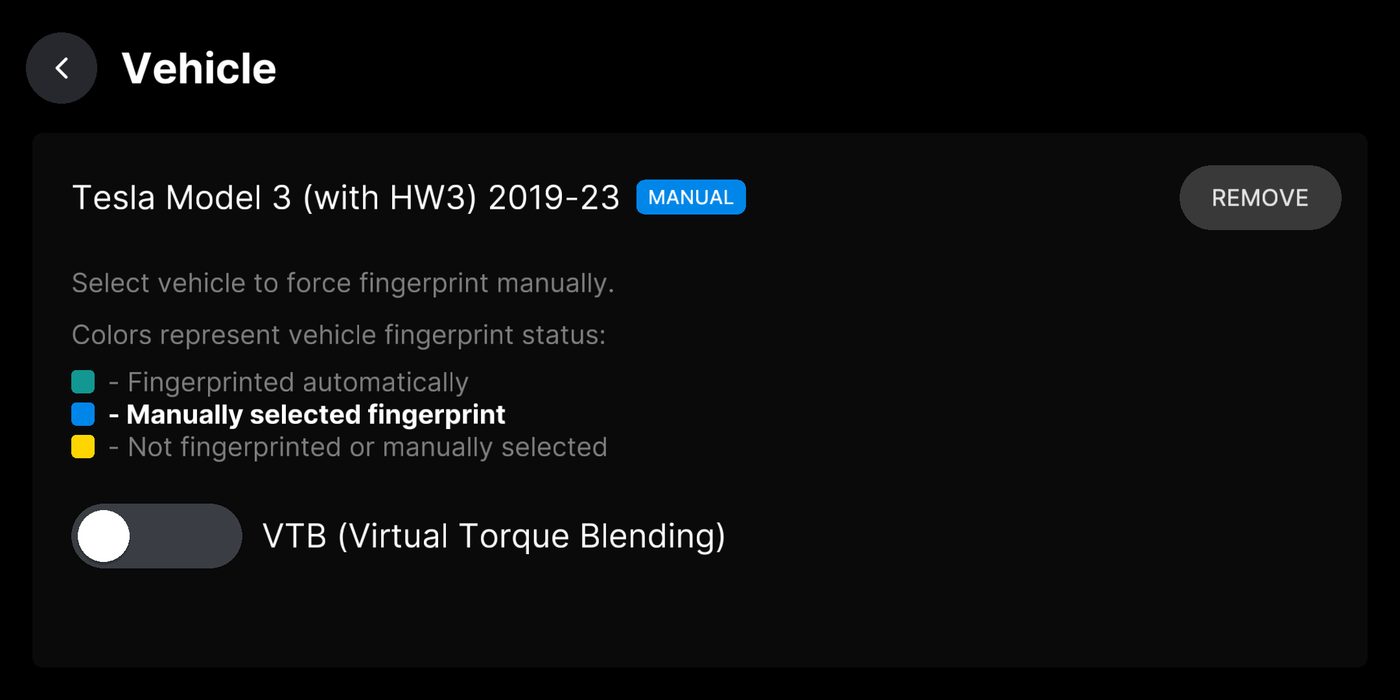
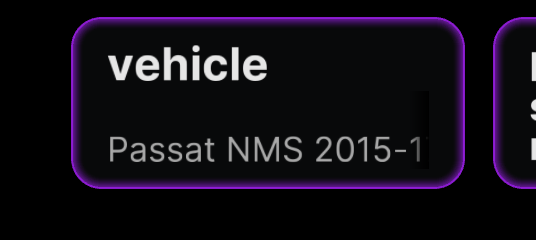
Section titled “Vehicle (fingerprint)”The car iQ.Pilot detected. Green means auto-detected, blue means you picked it, yellow means unknown. Only change it if the wrong car shows.
Where to find it
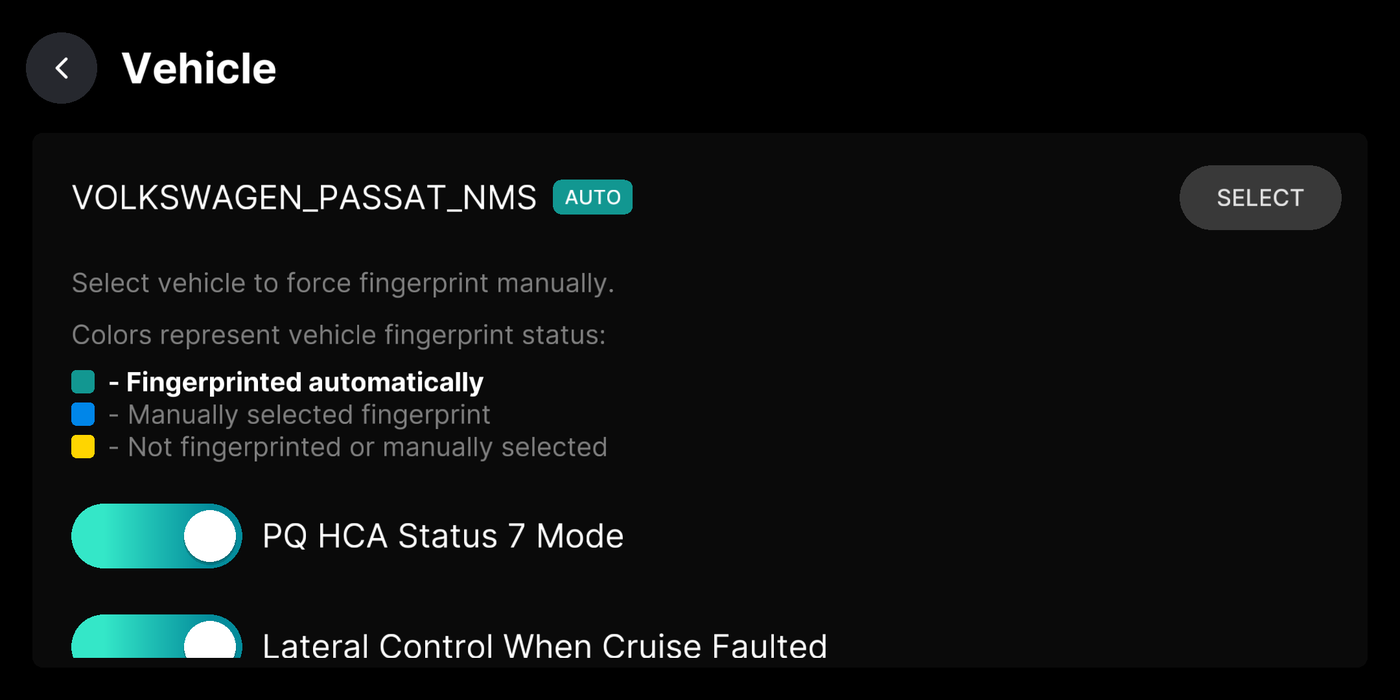
PQ HCA Status 7 Mode (Volkswagen)
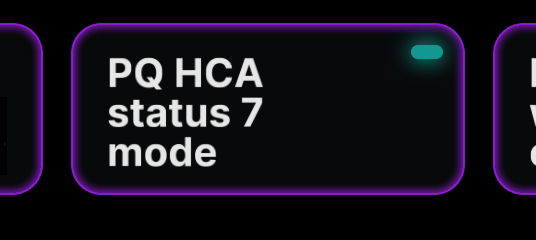
Section titled “PQ HCA Status 7 Mode (Volkswagen)”Recommended on for every PQ Volkswagen. It roughly triples the steering torque available, giving full lateral control instead of the weaker highway-only lane keeping you get with it off. Change it while parked.
Where to find it
Lateral Control When Cruise Faulted (Volkswagen)
Section titled “Lateral Control When Cruise Faulted (Volkswagen)”Keeps steering working when cruise faults, whether the fault is brief or permanent, so you never lose lane centering.
Where to find it
Enforce Factory Longitudinal Control (Toyota)
Section titled “Enforce Factory Longitudinal Control (Toyota)”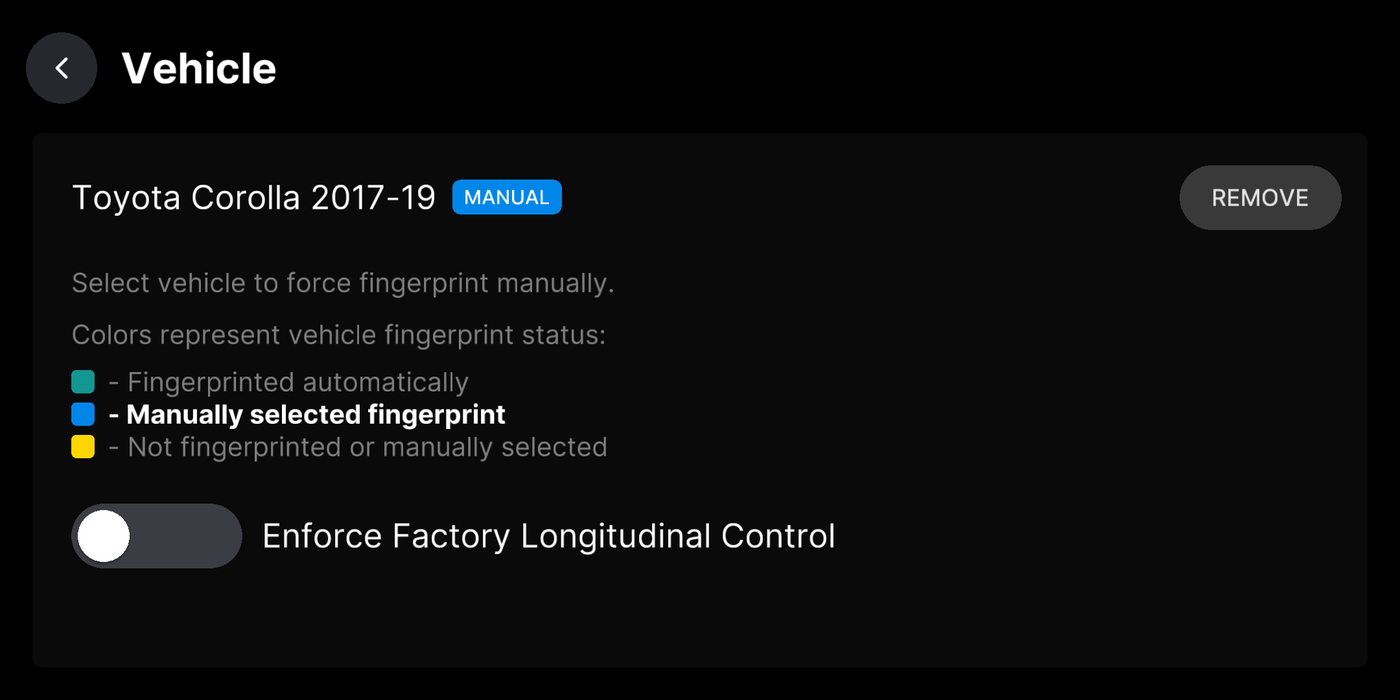
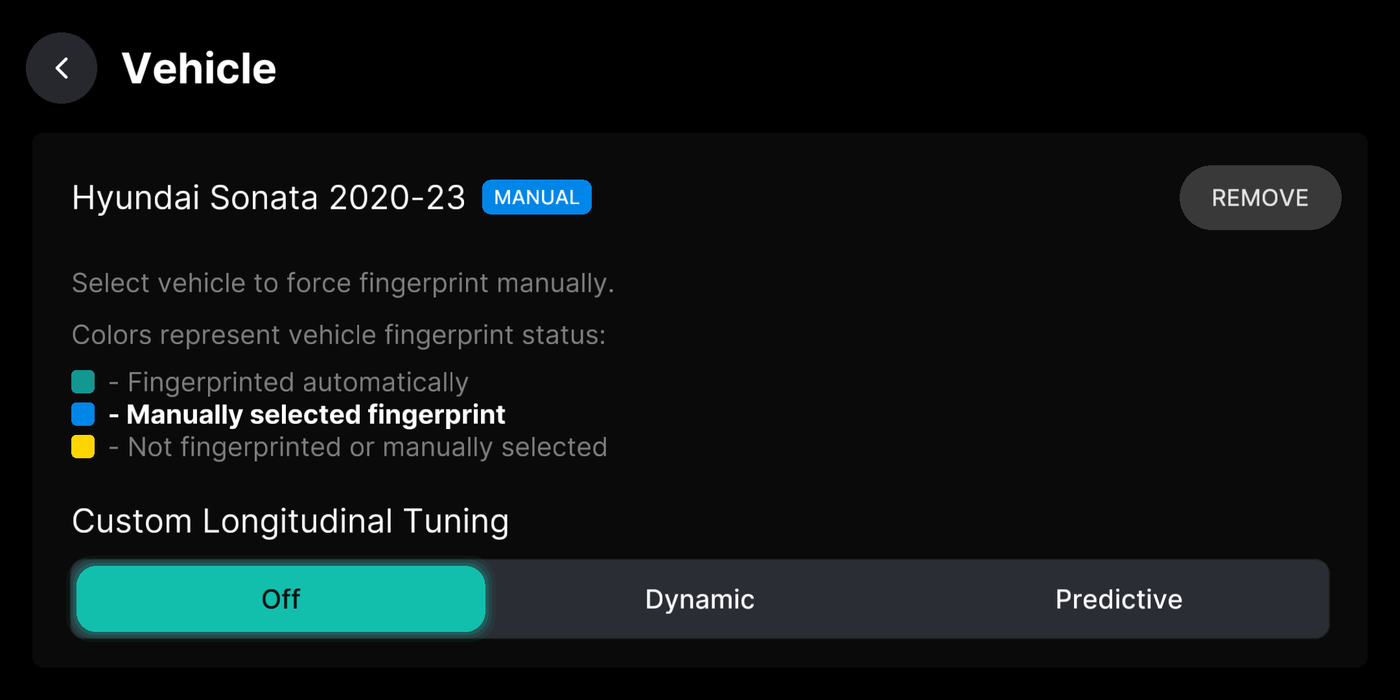
Custom Longitudinal Tuning (Hyundai)
Section titled “Custom Longitudinal Tuning (Hyundai)”Pick the gas and brake tuning on Hyundai, Kia, and Genesis: Off, Dynamic, or Predictive.
Where to find it
Credit for Hyundai longitudinal tuning goes to sunnypilot.
Stop and Go (Subaru)
Section titled “Stop and Go (Subaru)”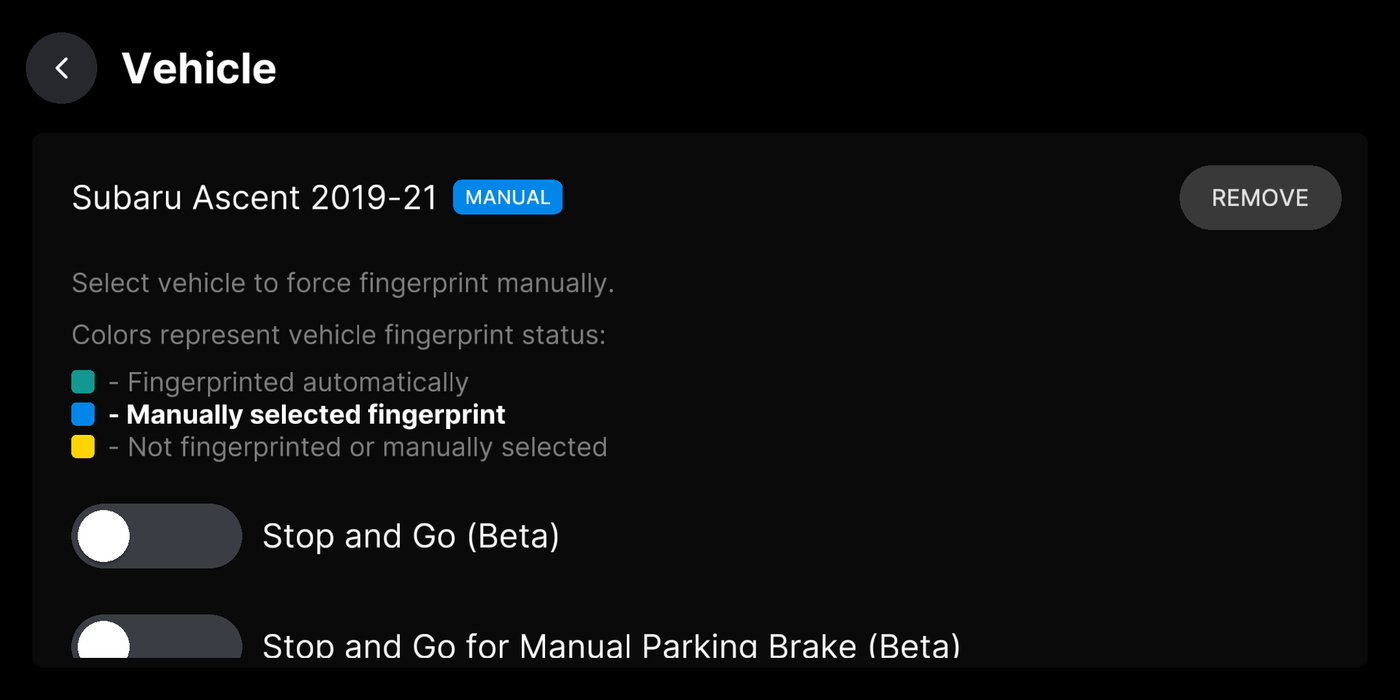
Stop and Go for Manual Parking Brake (Subaru)
Section titled “Stop and Go for Manual Parking Brake (Subaru)”VTB - Virtual Torque Blending (Tesla)
Section titled “VTB - Virtual Torque Blending (Tesla)”Turns your corrective steering torque into a small angle nudge in the direction you are pushing, added on top of what iQ.Pilot is steering. It lets you help the model when it is over or understeering and needs a correction, or when it reaches its safety limits.
Where to find it