

Steering
Everything about how iQ.Pilot steers: when lane keeping is available, how it feels, how it handles the brake pedal, and how automatic lane changes behave. Steering options tend to be safety relevant, so several can only be changed while the car is parked.
Lateral control
Section titled “Lateral control”Always on Lateral (AOL)
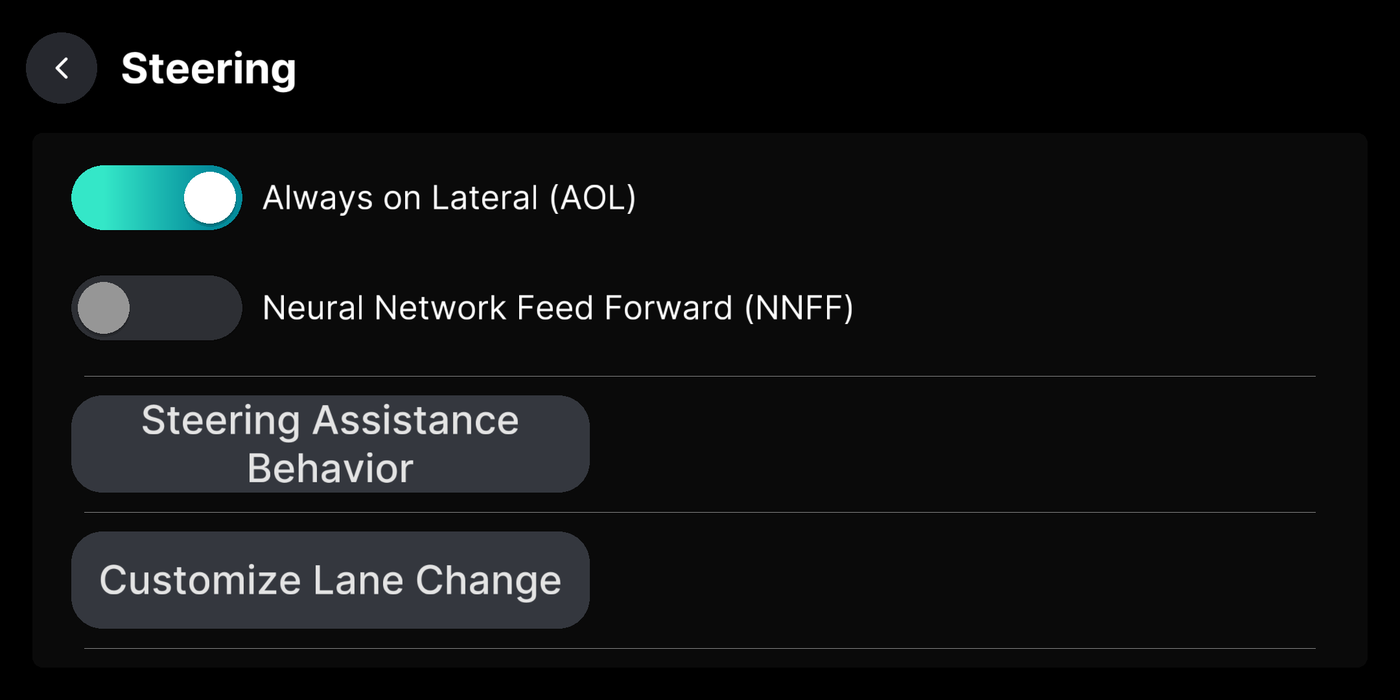
Section titled “Always on Lateral (AOL)”Keep steering help on even when cruise is off. Turn it off and steering only works with cruise on. Change it while parked.
Where to find it
Neural Network Feed Forward (NNFF)
Section titled “Neural Network Feed Forward (NNFF)”Uses a model tuned to your car for smoother, sharper steering. Only on torque-steered cars, and change it while parked.
Where to find it
Steering Assistance Behavior (Brake Response Mode)
Section titled “Steering Assistance Behavior (Brake Response Mode)”What steering does when you brake: stay on, pause and resume, or turn off.
Where to find it
Availability While Cruise Changes
Section titled “Availability While Cruise Changes”On cars without a lane-keep button, controls whether steering can arm when cruise availability changes.
Where to find it
Lane changes
Section titled “Lane changes”Customize Lane Change
Section titled “Customize Lane Change”
Auto Lane Change by Blinker
Section titled “Auto Lane Change by Blinker”How a lane change starts after you flick the blinker: off, after a nudge, or on its own.
Where to find it
Auto Lane Change: Delay with Blind Spot
Section titled “Auto Lane Change: Delay with Blind Spot”Wait to change lanes until your blind spot is clear. Needs blind spot monitoring.
Where to find it
Auto Lane Change: Continuous Changes
Section titled “Auto Lane Change: Continuous Changes”Hold the blinker to change several lanes in a row instead of stopping after one.
Where to find it
Use Lane Turn Desires
Section titled “Use Lane Turn Desires”At low speed with the blinker on, steer toward the turn you’re taking so it doesn’t guess wrong at lights.
Where to find it
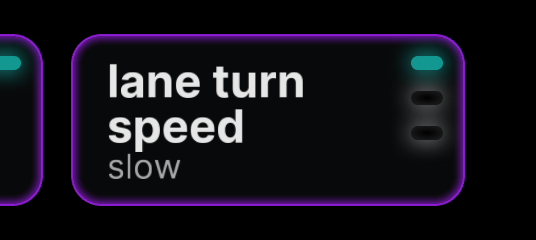
Adjust Lane Turn Desire Speed
Section titled “Adjust Lane Turn Desire Speed”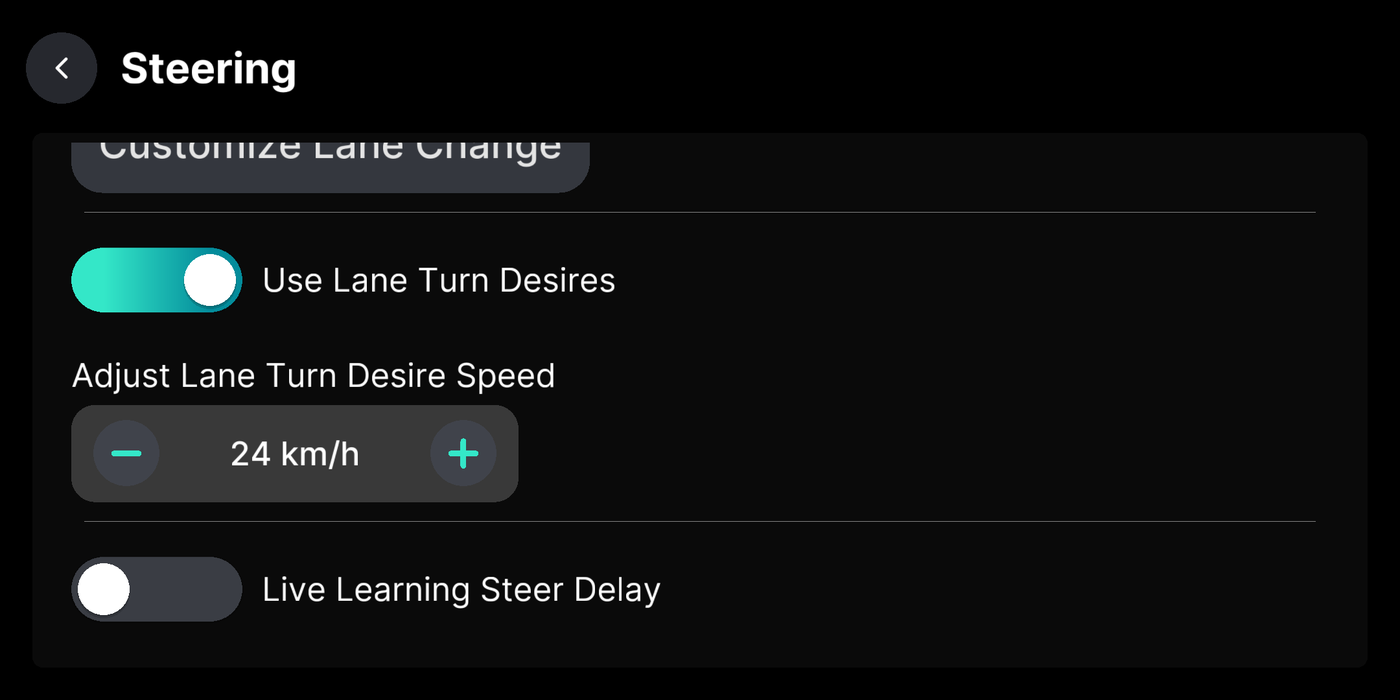
Steer response
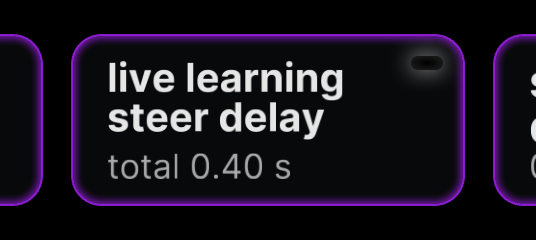
Section titled “Steer response”Live Learning Steer Delay
Section titled “Live Learning Steer Delay”Let the car learn its own steering response as you drive. Off uses a fixed value.
Where to find it
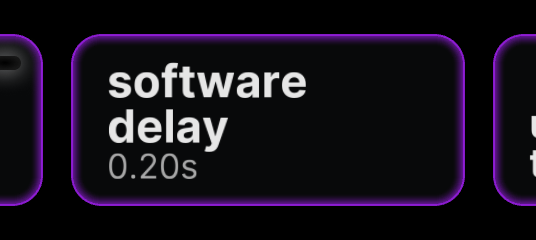
Adjust Software Delay
Section titled “Adjust Software Delay”Extra steering delay used when live learning is off. Default is 0.2 seconds.
Where to find it
Lane Lines (IQ Lane Planner)
Section titled “Lane Lines (IQ Lane Planner)”Follow painted lane lines instead of the laneless model, with advanced tuning knobs. For experienced users.
Where to find it