

Device
Device level actions and information: identifiers, calibration, language, power, and the tools for putting the device to sleep or waking it.
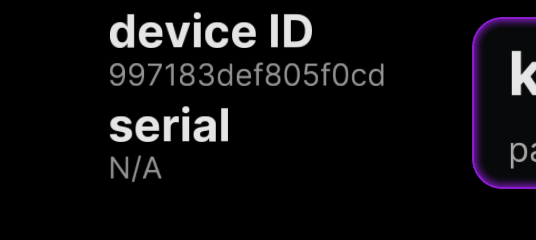
Dongle ID & Serial
Section titled “Dongle ID & Serial”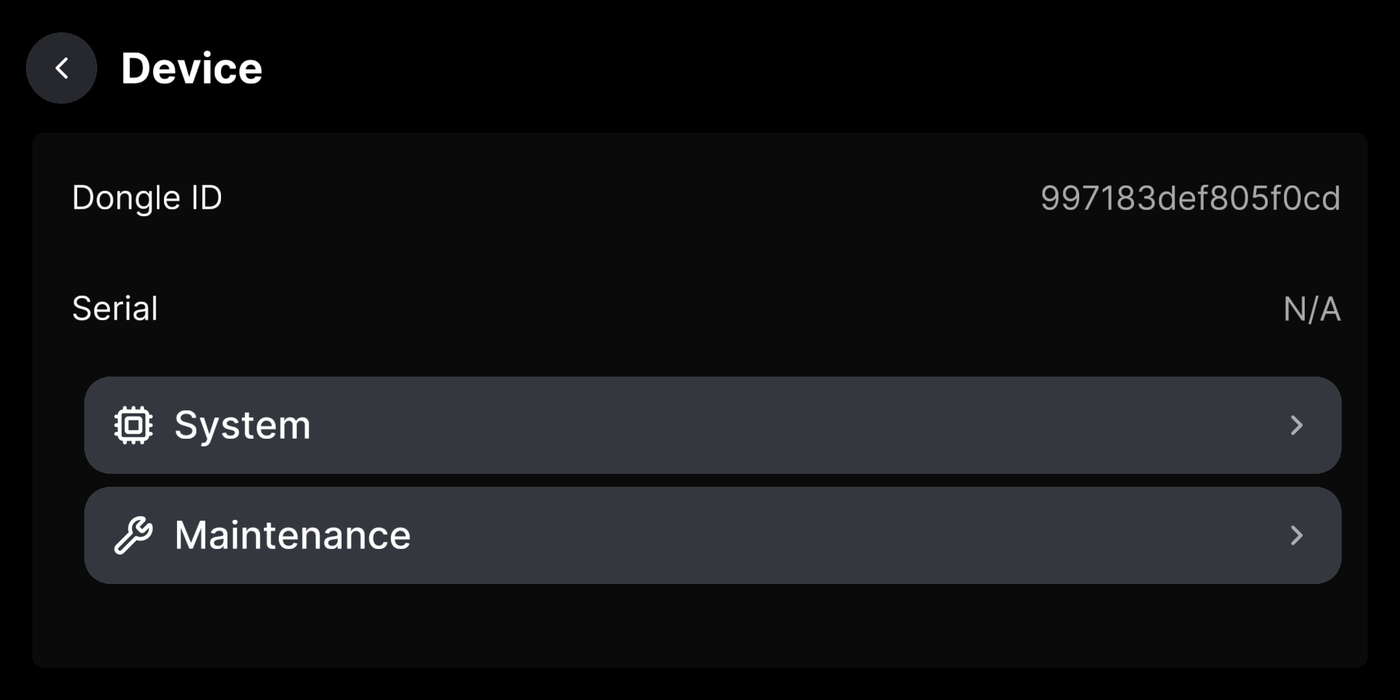
Pair Device
Section titled “Pair Device”Links the device to your free Konn3kt account over a secure, encrypted connection. Konn3kt does everything the on-device screens do and more, and it saves your drives for free for as long as you keep them, with your data encrypted at rest. Once paired, your routes, video, and settings show up in the Konn3kt app and at app.konn3kt.com. Well worth doing.
Where to find it
Reset Calibration
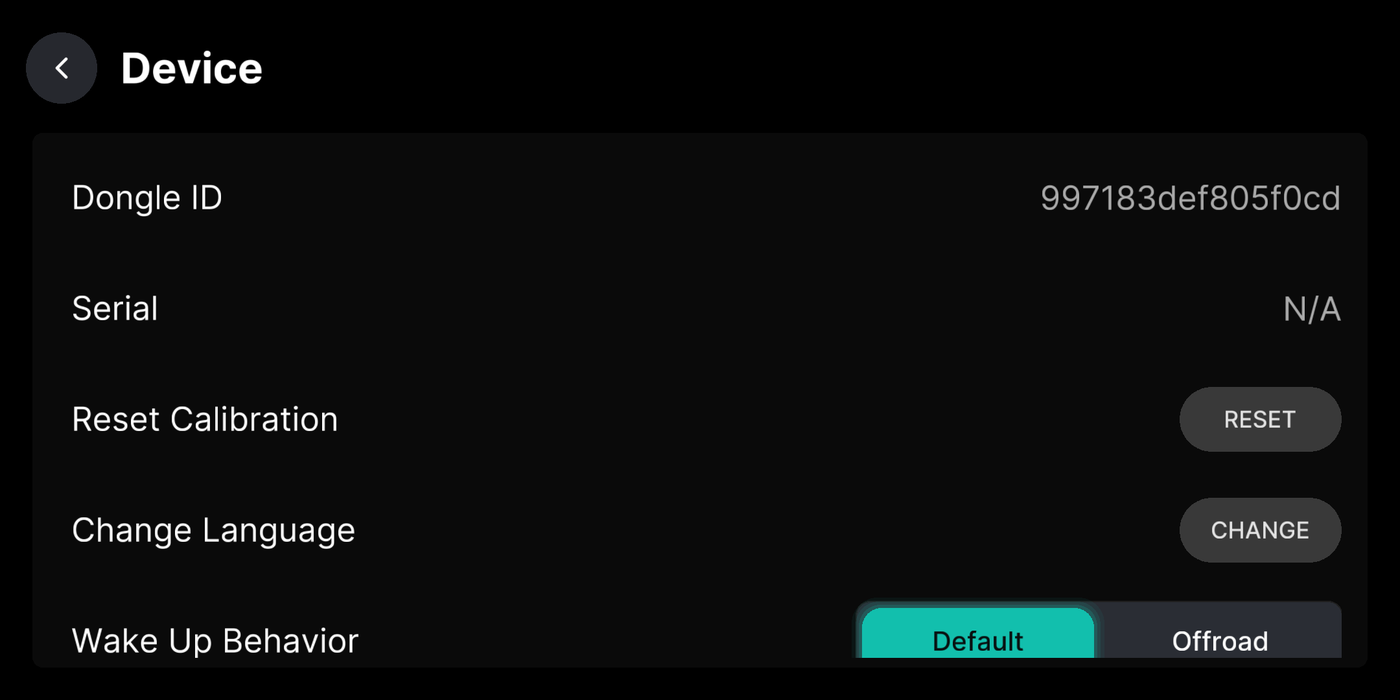
Section titled “Reset Calibration”Clear the learned camera position so iQ.Pilot relearns it. Do this after remounting. Needs a short drive to finish.
Where to find it
Change Language
Section titled “Change Language”Wake Up Behavior
Section titled “Wake Up Behavior”What state the device wakes into: ready to drive, or Always Offroad.
Where to find it
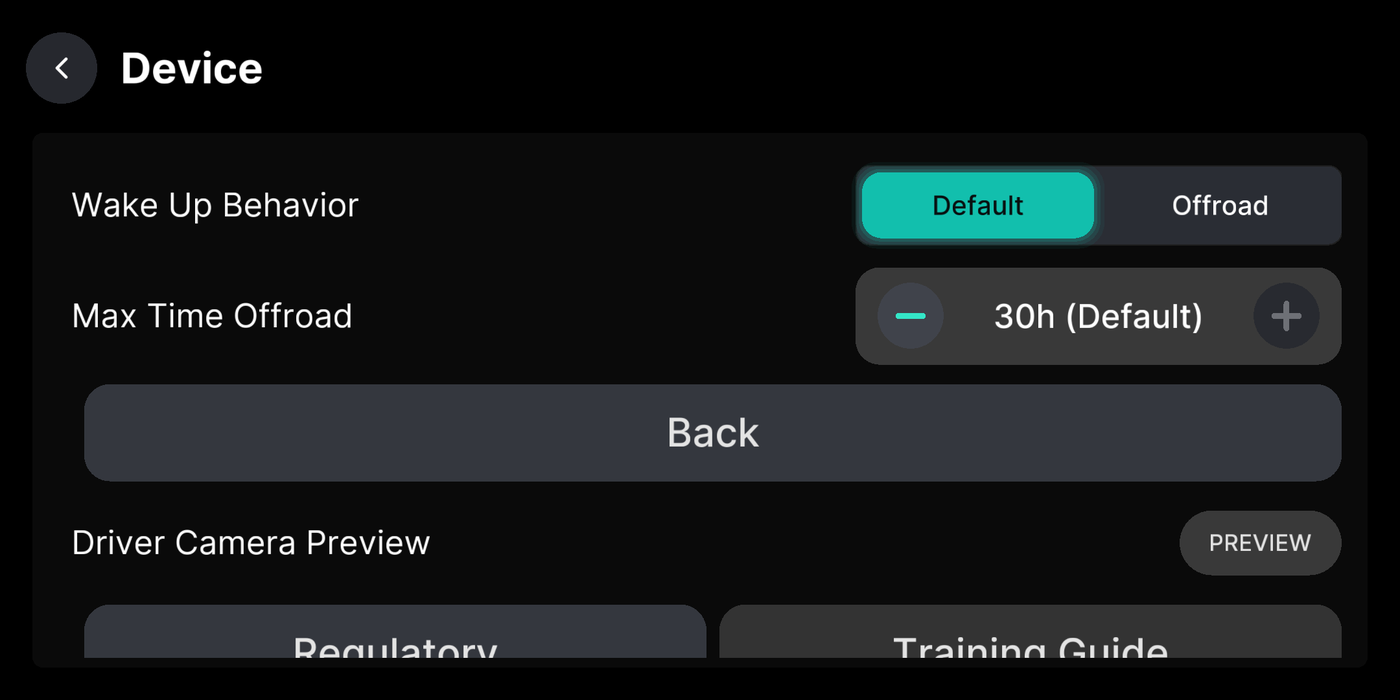
Max Time Offroad
Section titled “Max Time Offroad”How long the device stays awake after the car is off before it shuts down. Default is 30 hours.
Where to find it
Enable Always Offroad
Section titled “Enable Always Offroad”Keep iQ.Pilot from engaging. Useful for parked changes or storing the car.
Where to find it
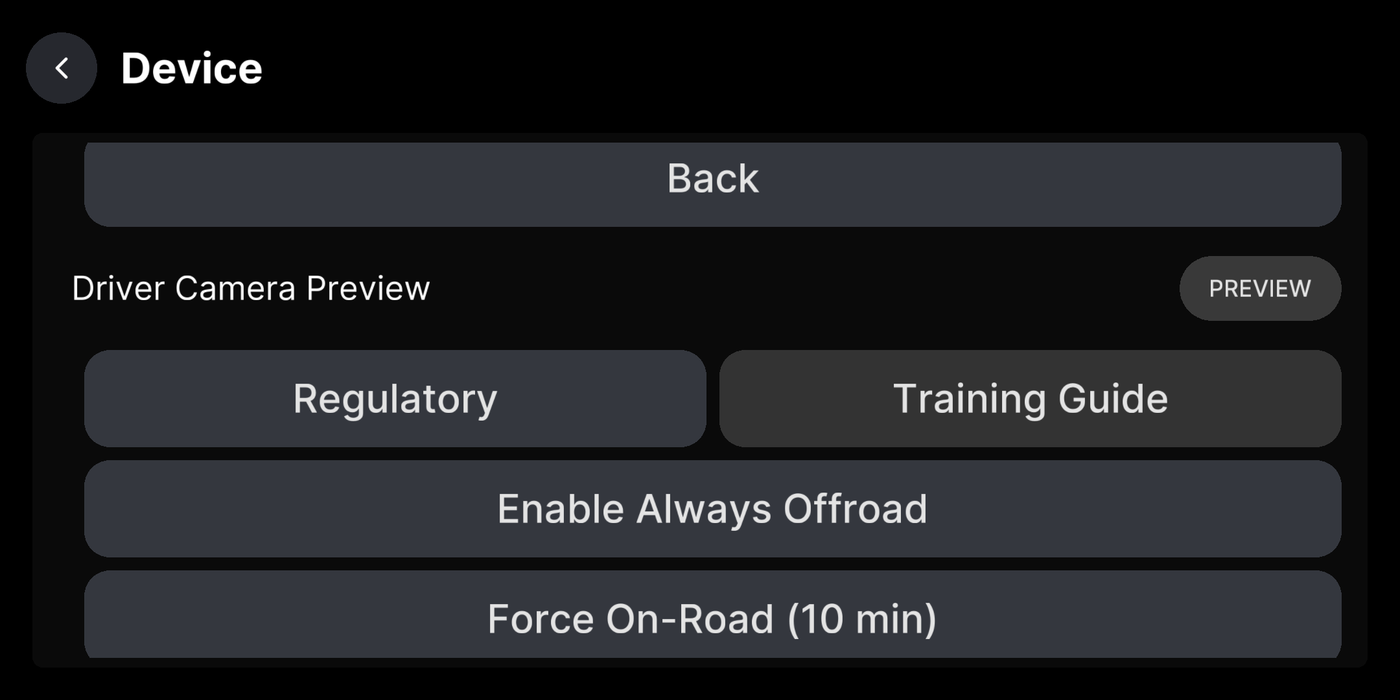
Force On-Road (10 min)
Section titled “Force On-Road (10 min)”Force onroad mode for ten minutes without the car running. For testing.
Where to find it
Driver Camera Preview
Section titled “Driver Camera Preview”
Training Guide
Section titled “Training Guide”
Regulatory
Section titled “Regulatory”
Onroad Uploads
Section titled “Onroad Uploads”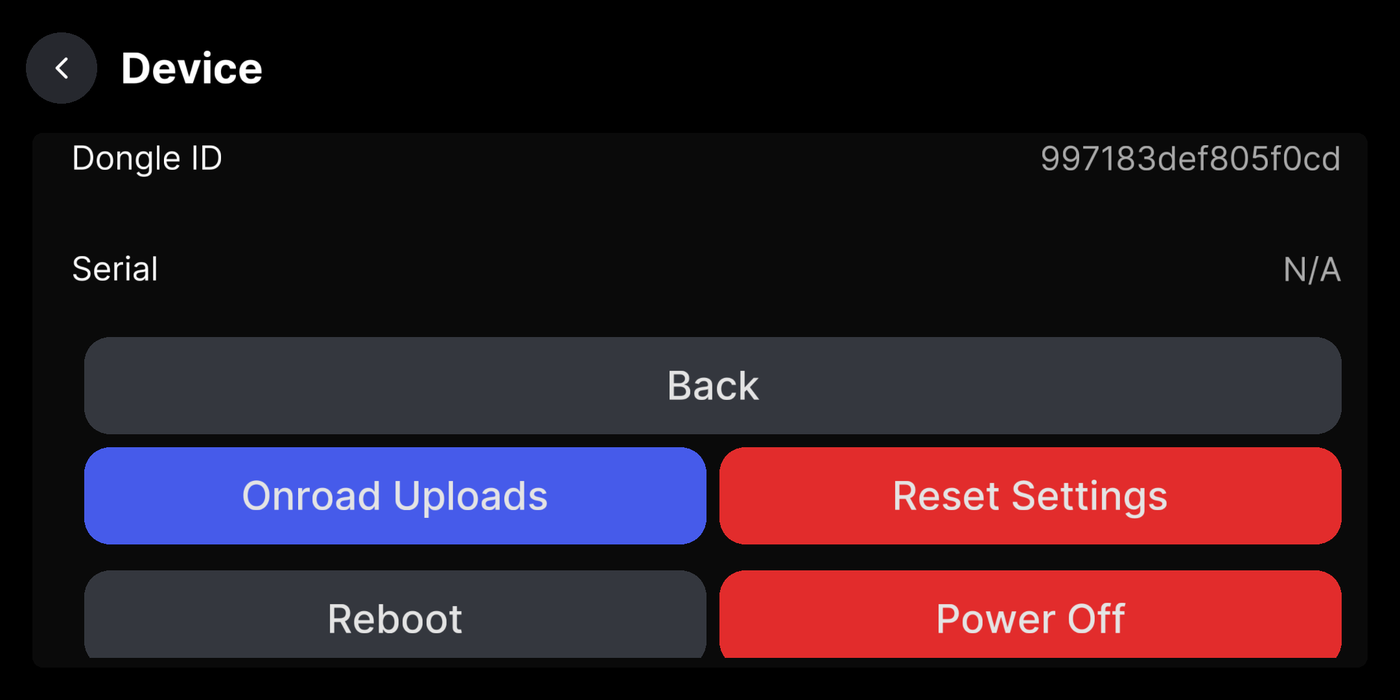
Reset Settings
Section titled “Reset Settings”Reboot / Power Off
Section titled “Reboot / Power Off”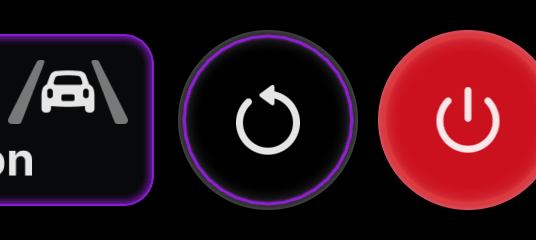
System & Maintenance submenus
Section titled “System & Maintenance submenus”Settings Top Bar Buttons
Section titled “Settings Top Bar Buttons”The BIG UI settings screen has a row of quick buttons across the top: reboot, power off, Always Offroad, Night Mode, and Quiet Mode.