

Longitudinal & Cruise
These settings decide how iQ.Pilot manages your speed: whether it runs the gas and brakes at all, how closely it follows traffic, how it reacts to posted speed limits, and how IQ.Dynamic blends between plain cruise and the driving model. If you only change one thing here, make it Longitudinal Control.
Longitudinal mode
Section titled “Longitudinal mode”Longitudinal Control
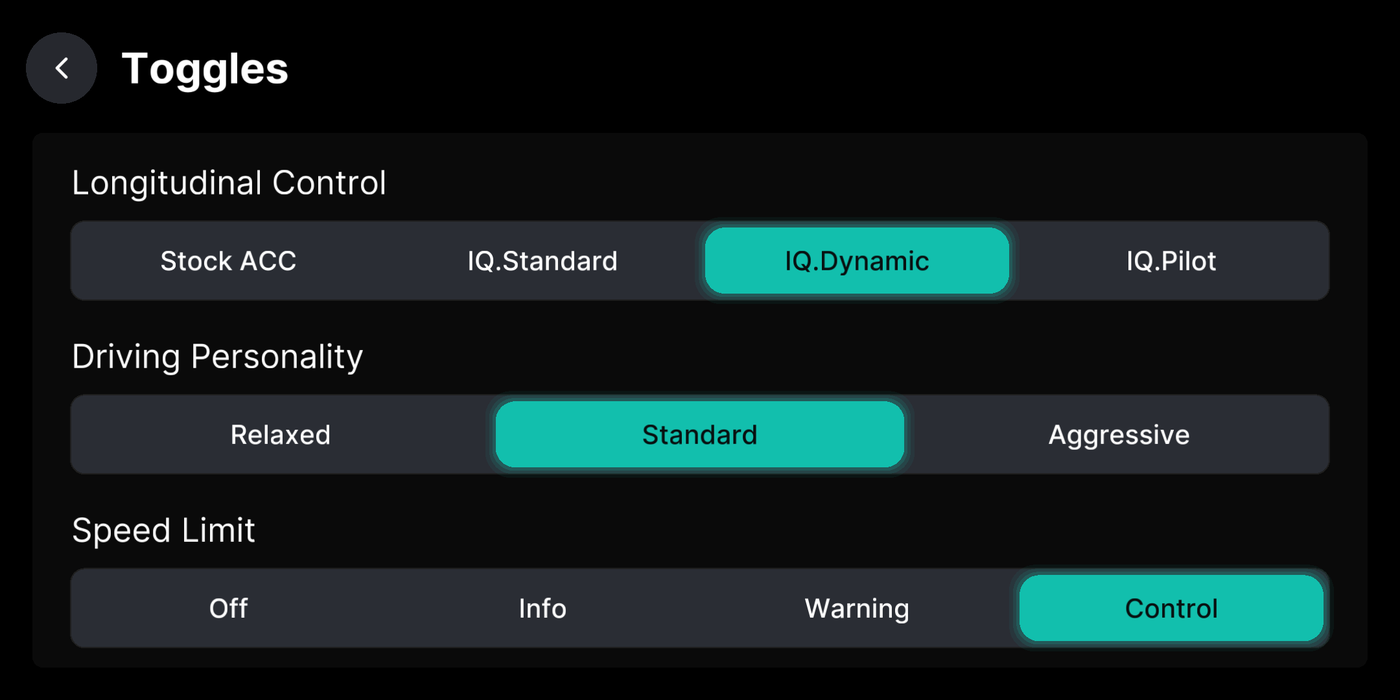
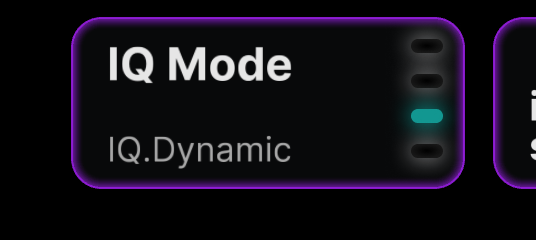
Section titled “Longitudinal Control”Sets who runs the gas and brakes: your car’s stock cruise, or iQ.Pilot. IQ.Pilot is fully hands-off on speed and will even stop for red lights and stop signs. Stock ACC, IQ.Standard, and IQ.Dynamic hand over less.
Where to find it
Driving Personality / Follow Distance
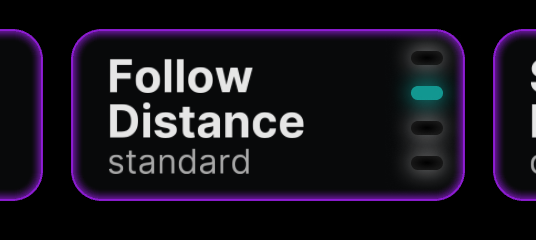
Section titled “Driving Personality / Follow Distance”How close iQ.Pilot follows and how hard it accelerates and brakes. Standard suits most people. Aggressive follows closer, Relaxed leaves more room.
Where to find it
Experimental Lead MPC
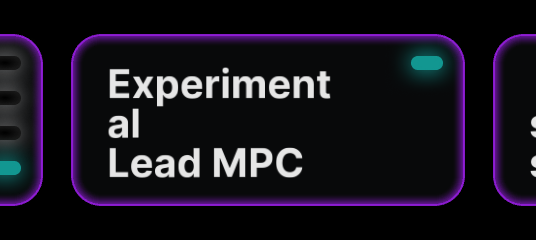
Section titled “Experimental Lead MPC”A newer planner for following the car ahead. On by default and usually smoother.
Where to find it
Speed Limit Control
Section titled “Speed Limit Control”Speed Limit (mode)
Section titled “Speed Limit (mode)”What iQ.Pilot does with detected speed limits: ignore them, just show them, warn you when you speed, or match them for you.
Where to find it
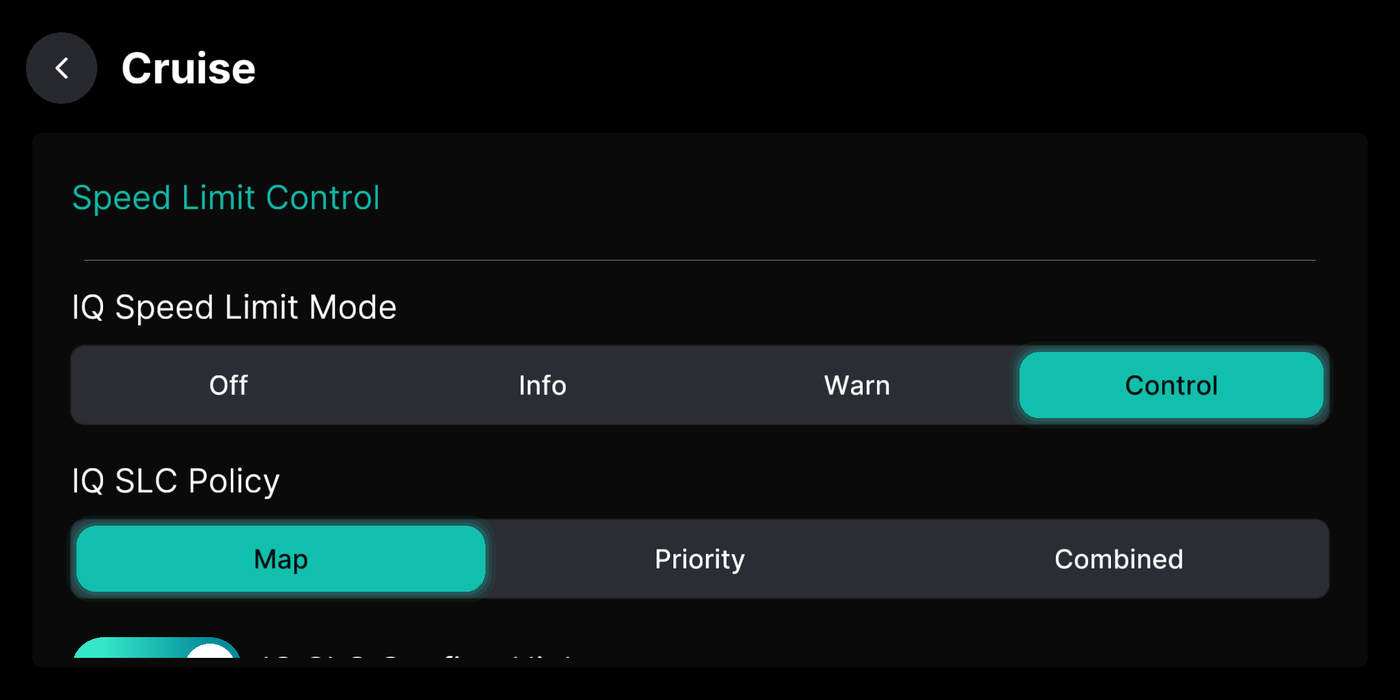
IQ SLC Policy
Section titled “IQ SLC Policy”Which source iQ.Pilot trusts for the speed limit when they disagree: map data, a priority order, or a mix of both.
Where to find it
IQ SLC Confirm Higher
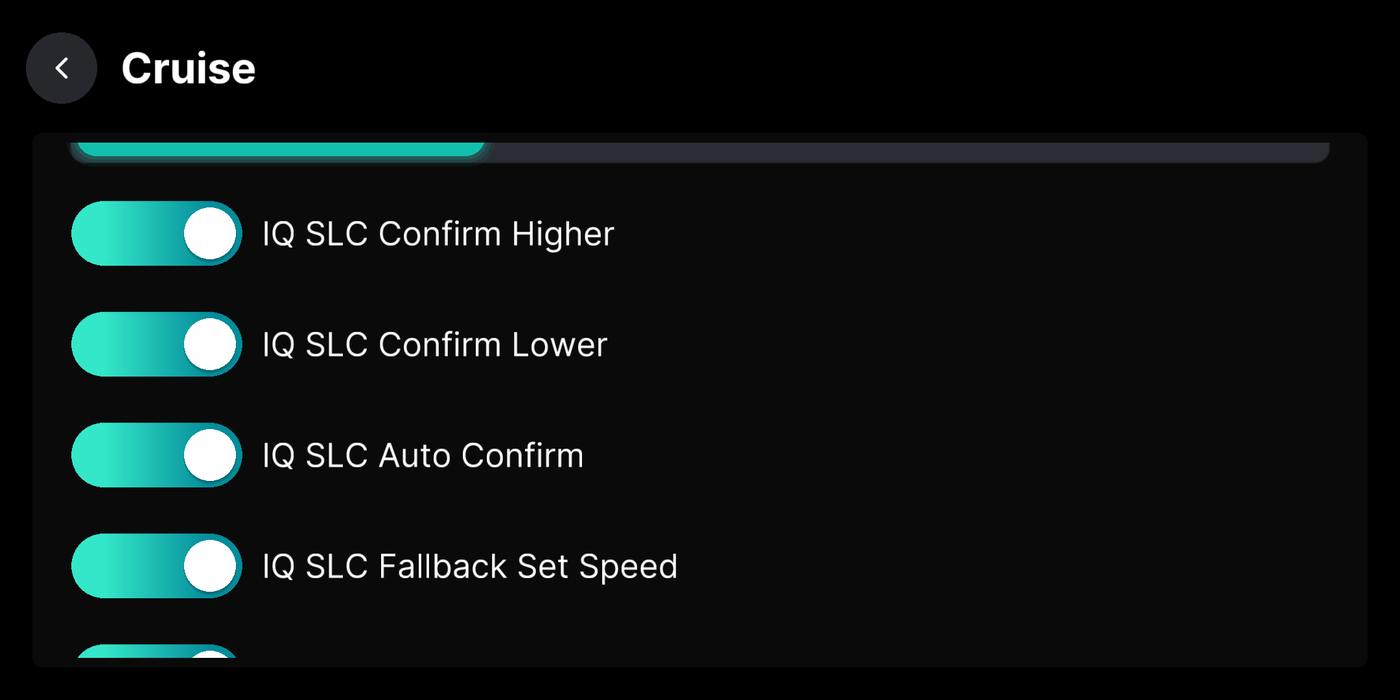
Section titled “IQ SLC Confirm Higher”Ask before accepting a higher speed limit, so iQ.Pilot never speeds up without your tap.
Where to find it
IQ SLC Confirm Lower
Section titled “IQ SLC Confirm Lower”Ask before accepting a lower speed limit, so iQ.Pilot never slows down without your tap.
Where to find it
IQ SLC Auto Confirm
Section titled “IQ SLC Auto Confirm”Accept a speed limit change on its own after about five seconds, with no button press.
Where to find it
IQ SLC Fallback Set Speed
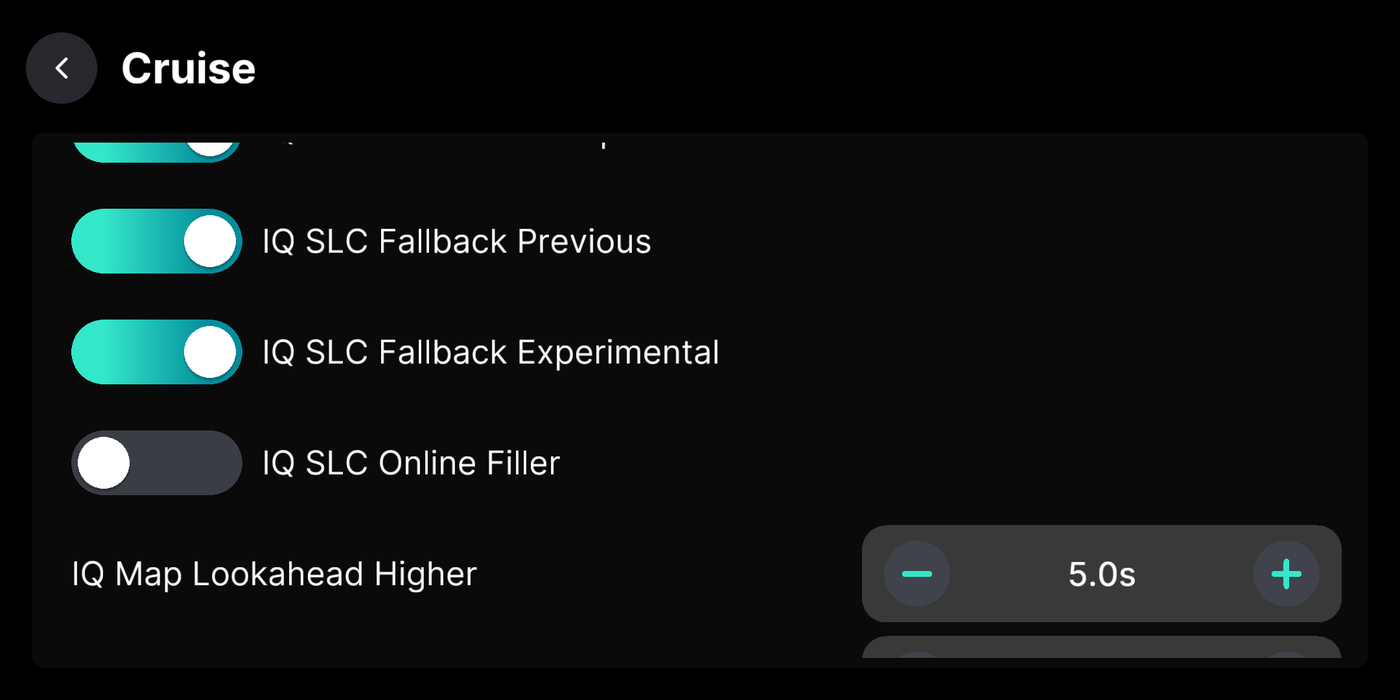
Section titled “IQ SLC Fallback Set Speed”IQ SLC Fallback Previous
Section titled “IQ SLC Fallback Previous”IQ SLC Fallback Experimental (IQ.Pilot)
Section titled “IQ SLC Fallback Experimental (IQ.Pilot)”When no speed limit is known, let IQ.Dynamic manage speed with its end-to-end mode.
Where to find it
IQ SLC Online Filler
Section titled “IQ SLC Online Filler”Fill in missing speed limits from online maps (TomTom and Mapbox). Needs an internet connection.
Where to find it
IQ SLC Override
Section titled “IQ SLC Override”How you override the limit: with the pedals, or by raising your set speed.
Where to find it
IQ Map Lookahead Higher
Section titled “IQ Map Lookahead Higher”How early iQ.Pilot speeds up for an upcoming higher limit before you reach the sign.
Where to find it
IQ Map Lookahead Lower
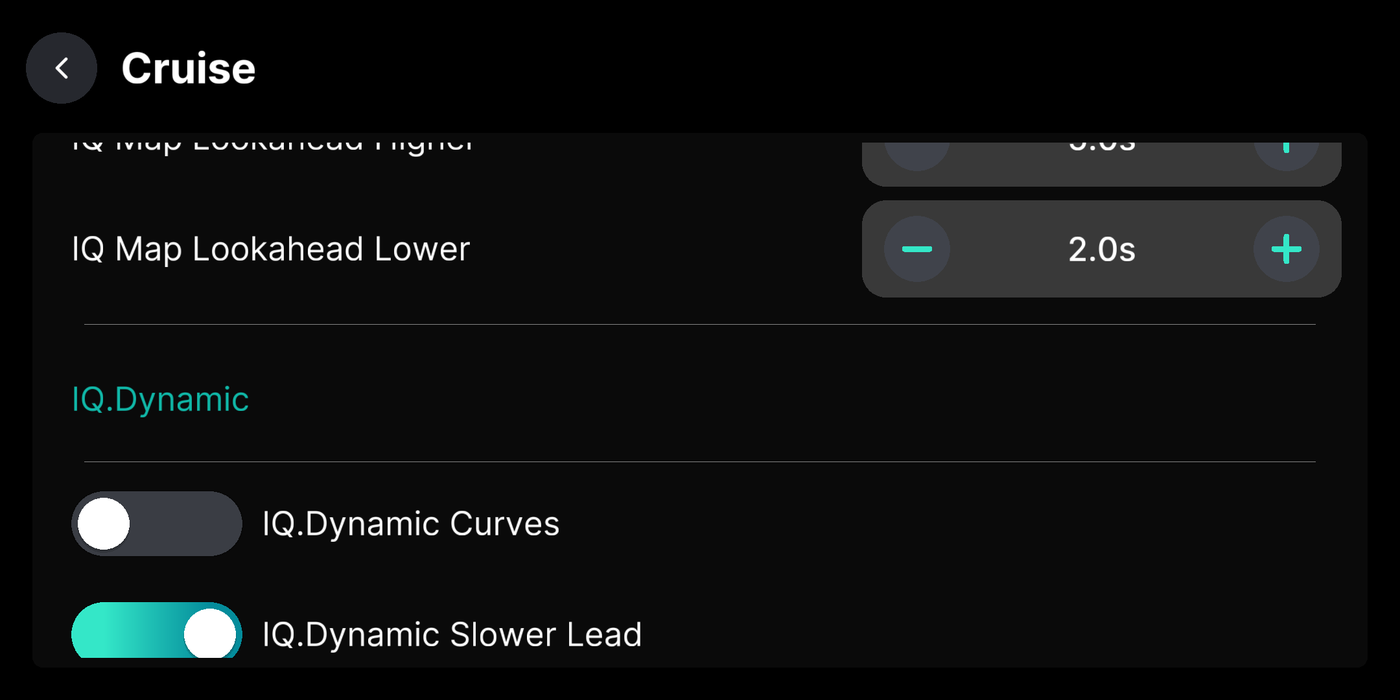
Section titled “IQ Map Lookahead Lower”How early iQ.Pilot slows for an upcoming lower limit before you reach the sign.
Where to find it
IQ.Dynamic SLC Fallback
Section titled “IQ.Dynamic SLC Fallback”Let IQ.Dynamic take over speed when the speed limit controller has nothing to aim for.
Where to find it
IQ.Dynamic & stops
Section titled “IQ.Dynamic & stops”IQ.Dynamic Curves
Section titled “IQ.Dynamic Curves”IQ.Dynamic Slower Lead
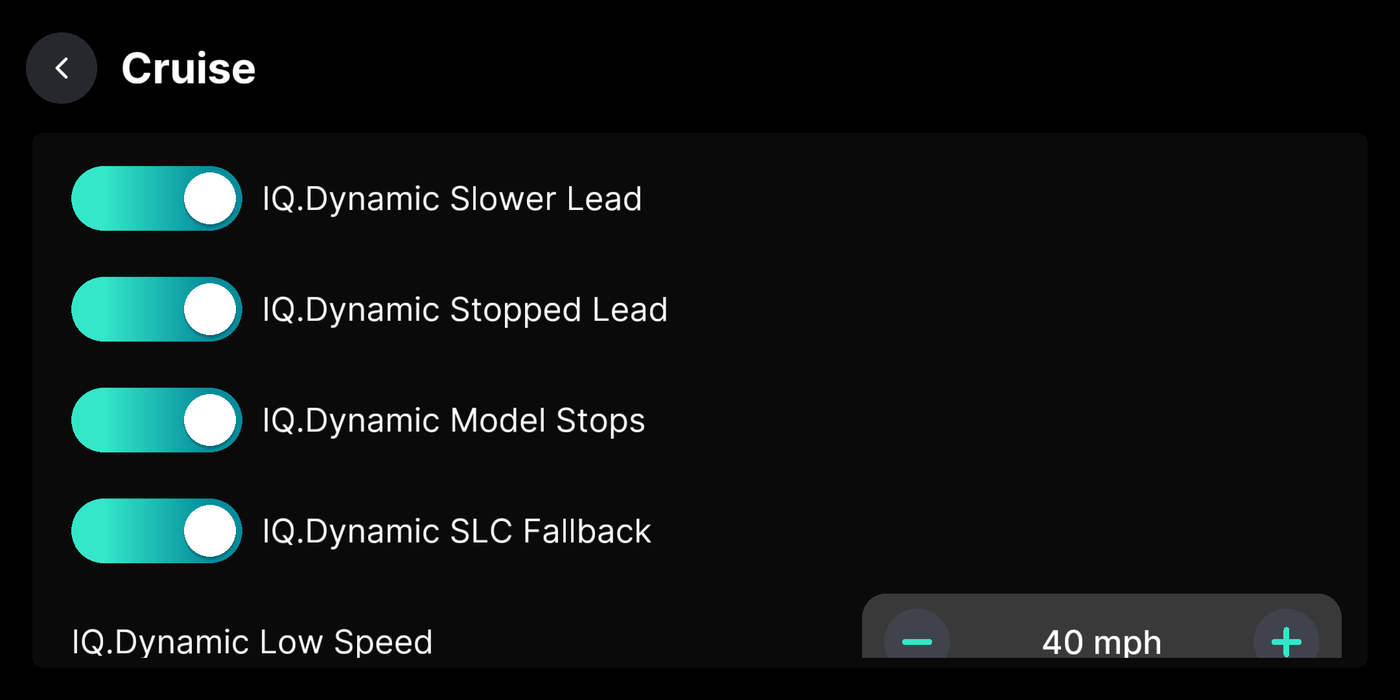
Section titled “IQ.Dynamic Slower Lead”Let IQ.Dynamic blend in the driving model when it catches a slower car ahead.
Where to find it
IQ.Dynamic Stopped Lead
Section titled “IQ.Dynamic Stopped Lead”IQ.Dynamic Model Stops
Section titled “IQ.Dynamic Model Stops”IQ.Dynamic Low Speed
Section titled “IQ.Dynamic Low Speed”Below this speed, IQ.Dynamic leans on the driving model when there’s no car ahead.
Where to find it
IQ.Dynamic Lead Speed
Section titled “IQ.Dynamic Lead Speed”Below this speed, IQ.Dynamic leans on the driving model even with a car ahead.
Where to find it
IQ.Dynamic Model Stop Time
Section titled “IQ.Dynamic Model Stop Time”How far ahead the camera looks for stops. Lower reacts later, higher reacts earlier.
Where to find it